
Mullvad VPN
Mullvad VPN is a privacy-focused VPN provider whose open-source Windows app connects to its servers using an anonymous account number instead of an email.
Windows
Open source

Hotspot Shield is a VPN app for Windows that encrypts your internet connection and changes your virtual location.
Average 0.0 · ratings: 0
Thank you! Your rating is saved; you can change it. Could not save the rating. Please try again later. Too many ratings from your network today. Please try again tomorrow. The average appears after 5 ratings.
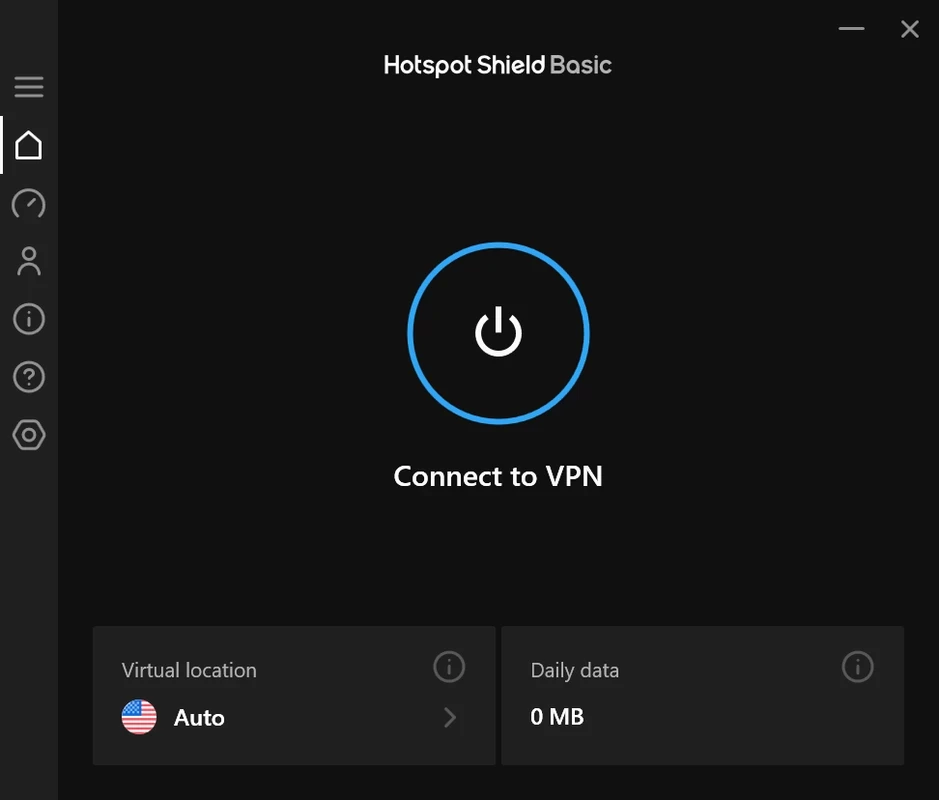
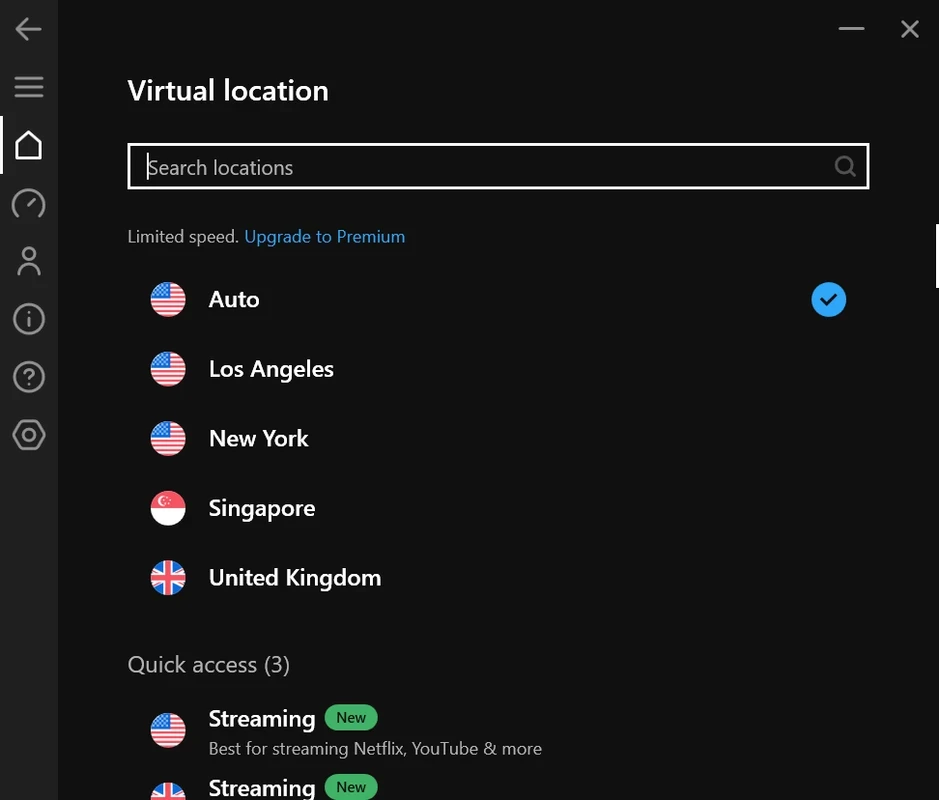
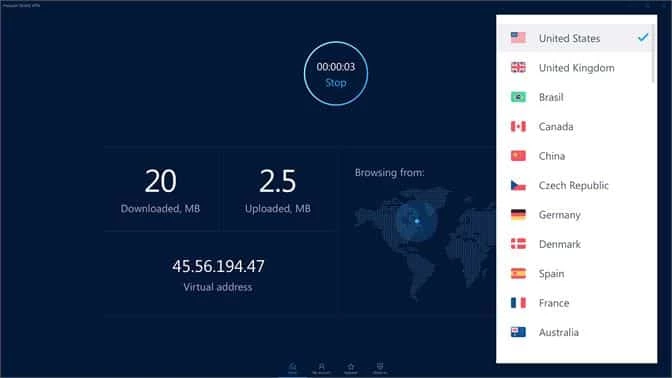
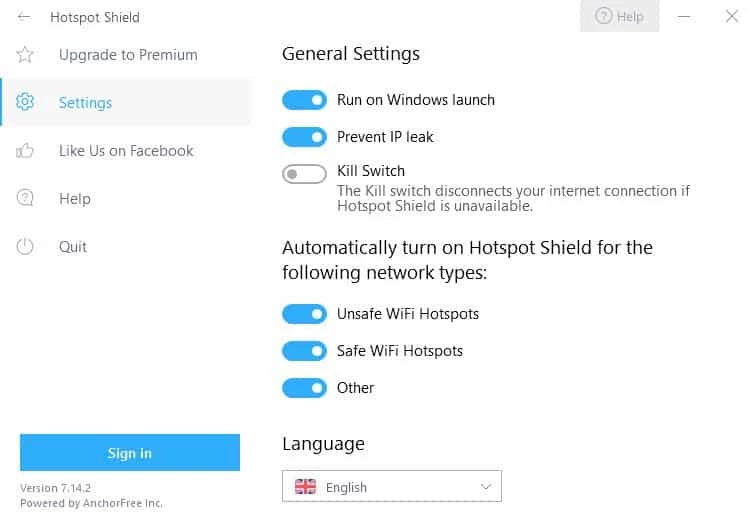
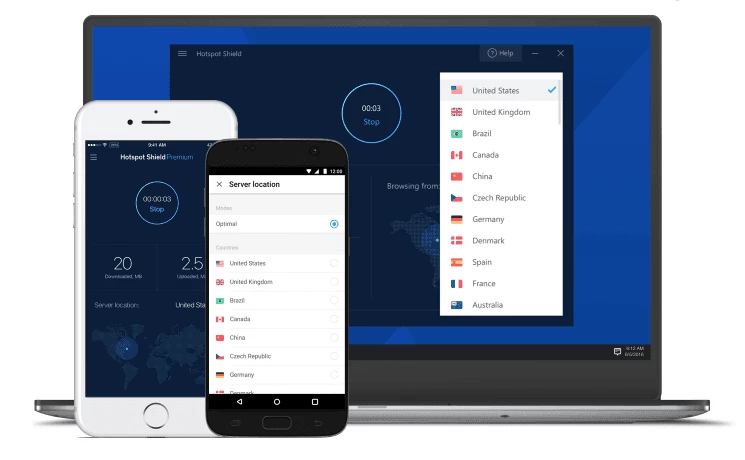
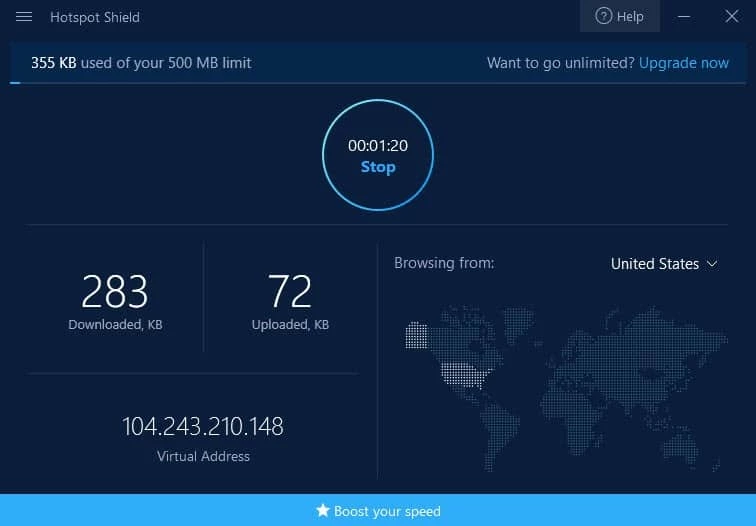
Hotspot Shield 12.14.1 is a VPN app for Windows from AnchorFree. It routes your internet traffic through the provider's servers, hiding your real IP address from the sites you visit and protecting your connection on untrusted networks, and you can download Hotspot Shield from its official website.
A VPN like Hotspot Shield suits people who often connect from places they do not control: cafés, airports, hotels and co-working spaces with open Wi-Fi. On such networks the VPN adds a protected tunnel between your laptop and the provider, so other people on the same network cannot easily see what you do. It also suits travellers who want to reach services from home while abroad, within the rules of those services, and users who simply prefer that their internet provider does not see every site they visit. It is less necessary if you mainly use a secure home network and sites that already use HTTPS, and it is not a tool for anonymity against a determined adversary. Remember that a VPN shifts trust rather than removing it: the VPN provider can see your traffic metadata instead of your internet provider, so choosing a provider is a question of trust.
| Item | Details |
|---|---|
| Version | 12.14.1 |
| Developer | AnchorFree, Inc |
| Platform | Windows; also supported on Linux |
| Type | VPN client |
| Price | free to download |
| Size | about 28.08 MB according to catalogue data |
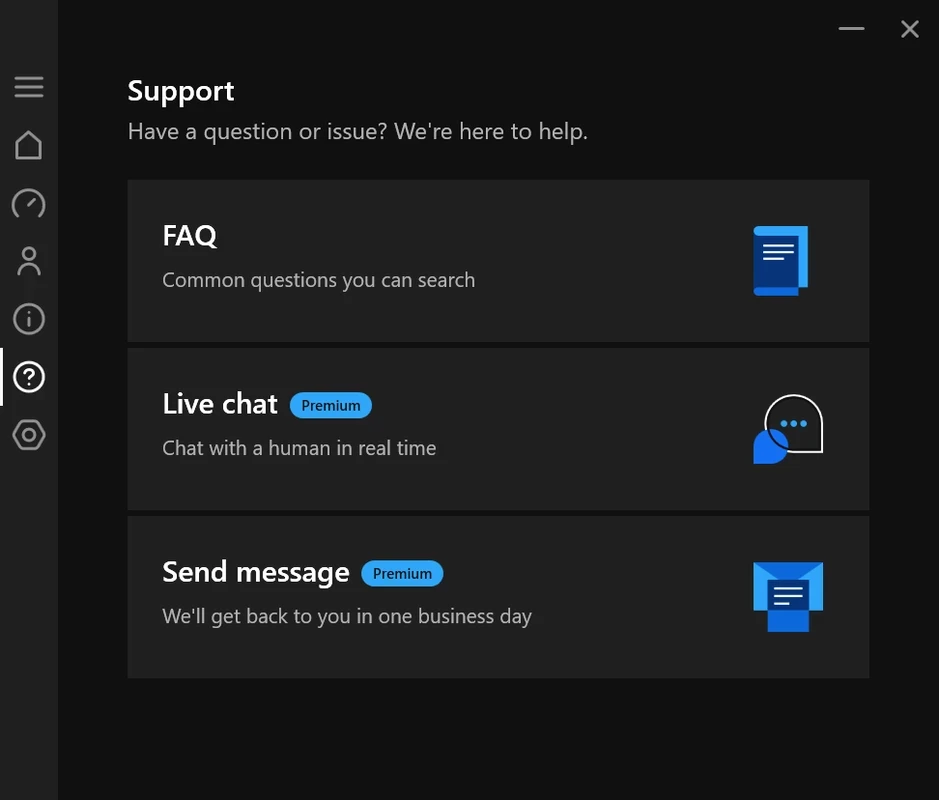
For other systems, the support centre explains Linux support and requirements.
Some banks, streaming services and online shops block traffic from VPN servers or ask for extra verification. If a site refuses to load, disconnect briefly, check whether the problem disappears and then try another virtual location. Slow speeds usually improve with a server closer to your real location. If the connection drops often, restart the app, update your network drivers and check whether another VPN or security tool is interfering.
Our listings include Proton VPN, Windscribe VPN, TunnelBear, NordVPN, Surfshark and Mullvad VPN, other VPN services for Windows.
Mullvad VPN is a privacy-focused VPN provider whose open-source Windows app connects to its servers using an anonymous account number instead of an email.

Proton VPN is a VPN service from Proton AG. The open-source Windows app encrypts your connection and routes it through Proton's servers.

Psiphon is a free and open-source internet censorship circumvention tool for Windows that connects you to blocked websites through its own network.

1111 Warp VPN is Cloudflare's WARP client for Windows, which encrypts DNS and traffic between your PC and Cloudflare's network.

Turbo VPN for Windows is a VPN client from Innovative Connecting that encrypts your connection and routes it through the provider's servers.

Proxifier is a Windows program by VentoByte that sends the network traffic of any application through a proxy server, even if the app has no proxy settings.

VPN Planet is a Windows VPN client from FreeVPNPlanet with a free option, available from its website and the Microsoft Store.

Radmin VPN is a free Windows program from Famatech that connects computers over the internet into a virtual local network, for LAN games and remote access.

v2rayN is a free, open-source Windows GUI client by 2dust for Xray, v2ray and sing-box proxy servers, with subscriptions and routing rules.

Hamachi is a VPN application for Windows that connects computers over the internet as if they were on the same local network.